The IP ranges sub-menu allows one or more IP address ranges to be entered to identify the outsde IP address(es) for the district.
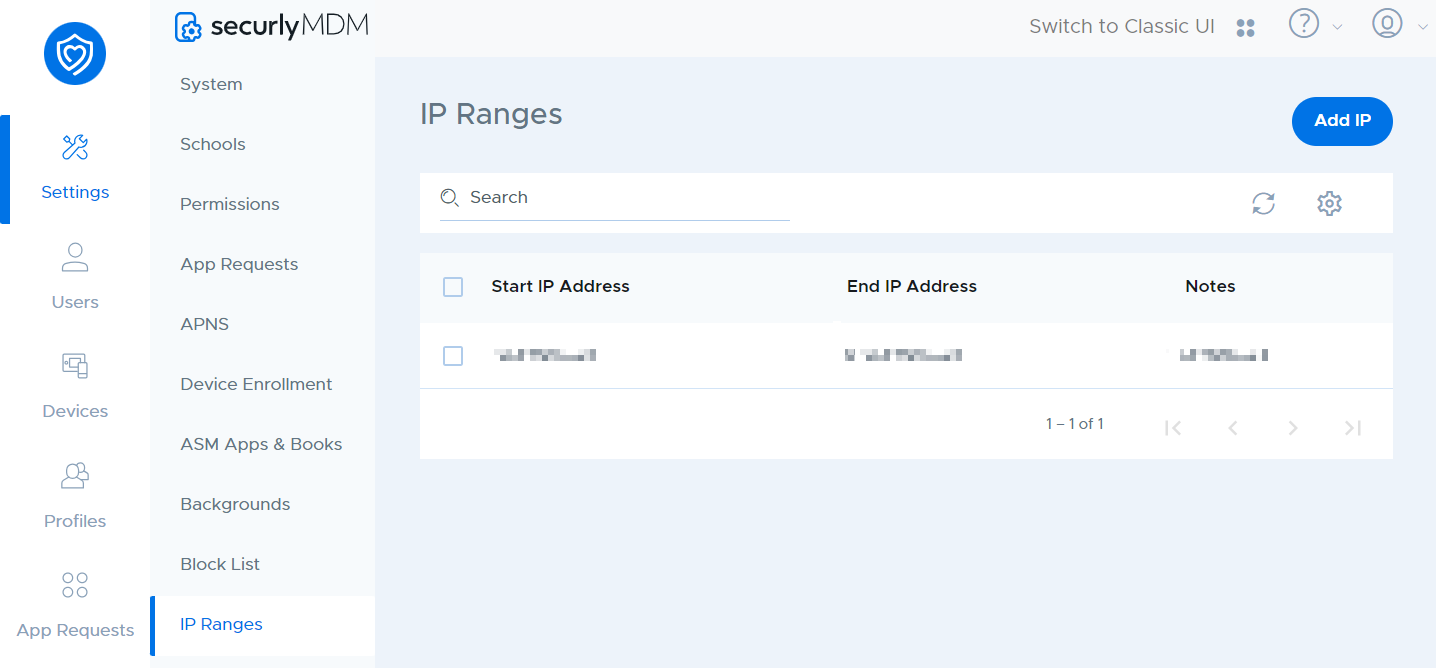
This can be used to identify whether a device is inside the school network or not.
To add a new IP range, click Add IP. You will have the option to enter a start and end for the range, as well as notes that will display in the Notes column.