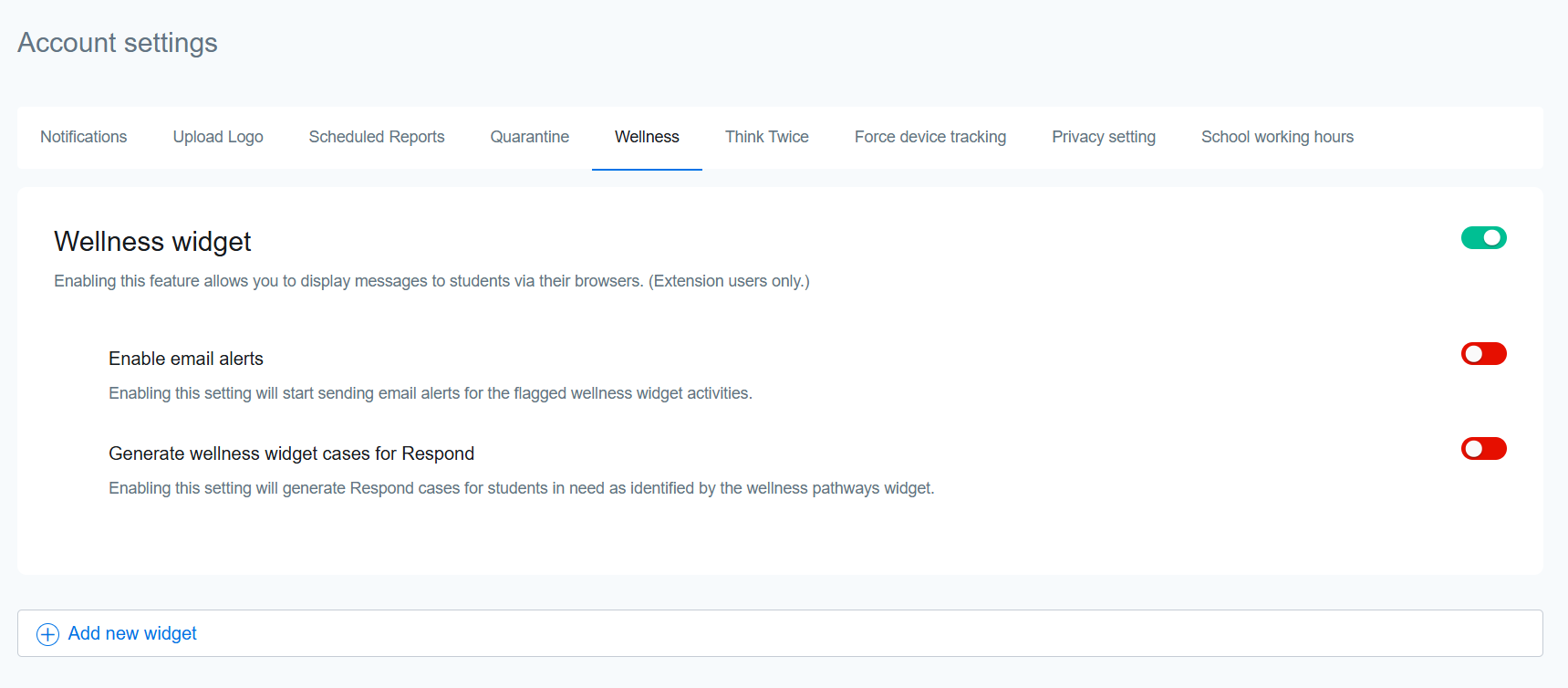
Under the Wellness tab, you’ll find the option to enable the Wellness Widget which helps you in identifying at-risk students and responding proactively by directing their students to mental health assistance resources based on their wellness scores.
Wellness Widget is available only for Securly Extension users.

The Aware AI displays the Wellness Widget (shown above) on a student’s screen when it detects their wellness level decreasing. However, you may not want to present the same resources to every group of students. Schools can create different versions of the Wellness Widget and assign them to different OUs. This means that you can now present different resources to elementary, middle, and high schoolers, or get even more granular and offer links to schedule time with counselors assigned to specific schools.
The two toggles under the Wellness widget settings include the email alerts for flagged wellness widget activities and generating cases for at-risk students.