We value your feedback and suggestions on how to improve the Pass system. As you become more familiar with Pass and think of ways to make the functionality even better or maybe even want to see a feature added to the system, there is an easy way to share that request with us. Follow the steps below to submit an enhancement ticket.
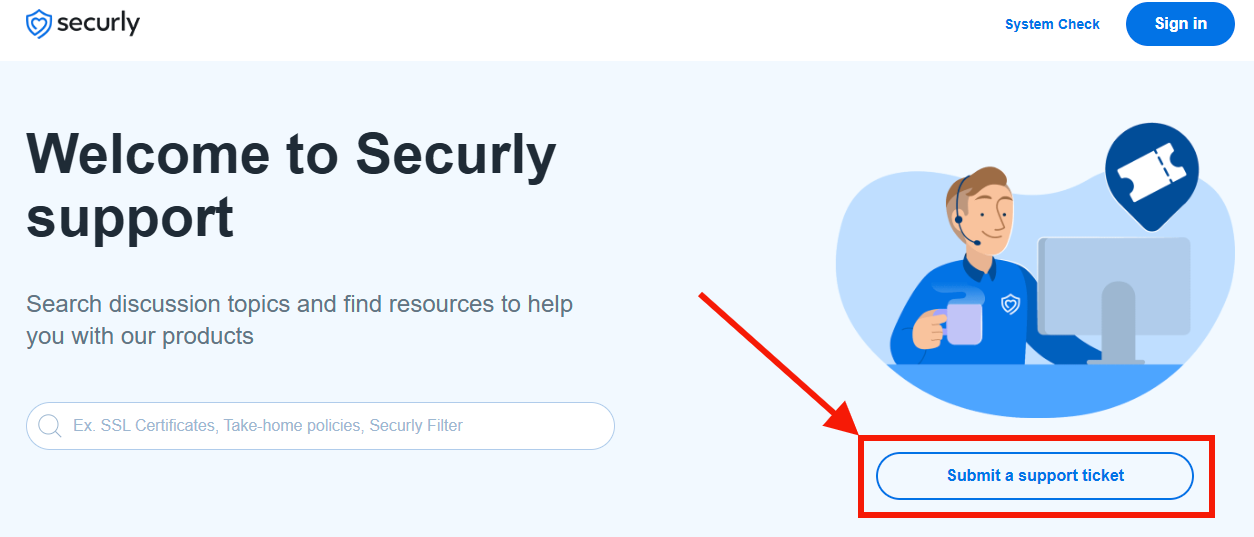
- Go to support.securly.com.
- Click Submit a support ticket.
- Under Submit a request, select Pass Support.
- Enter the following information.
- Email address
- Subject of request
- Detailed description of the enhancement
- Choose a Pass Request Category:
- Suggest a new Feature or Improvement
- Enter your School Name
- Enter your District Name
- Click SUBMIT.