The Dashboard menu is available to administrators and provides valuable insights into the school or district’s usage.
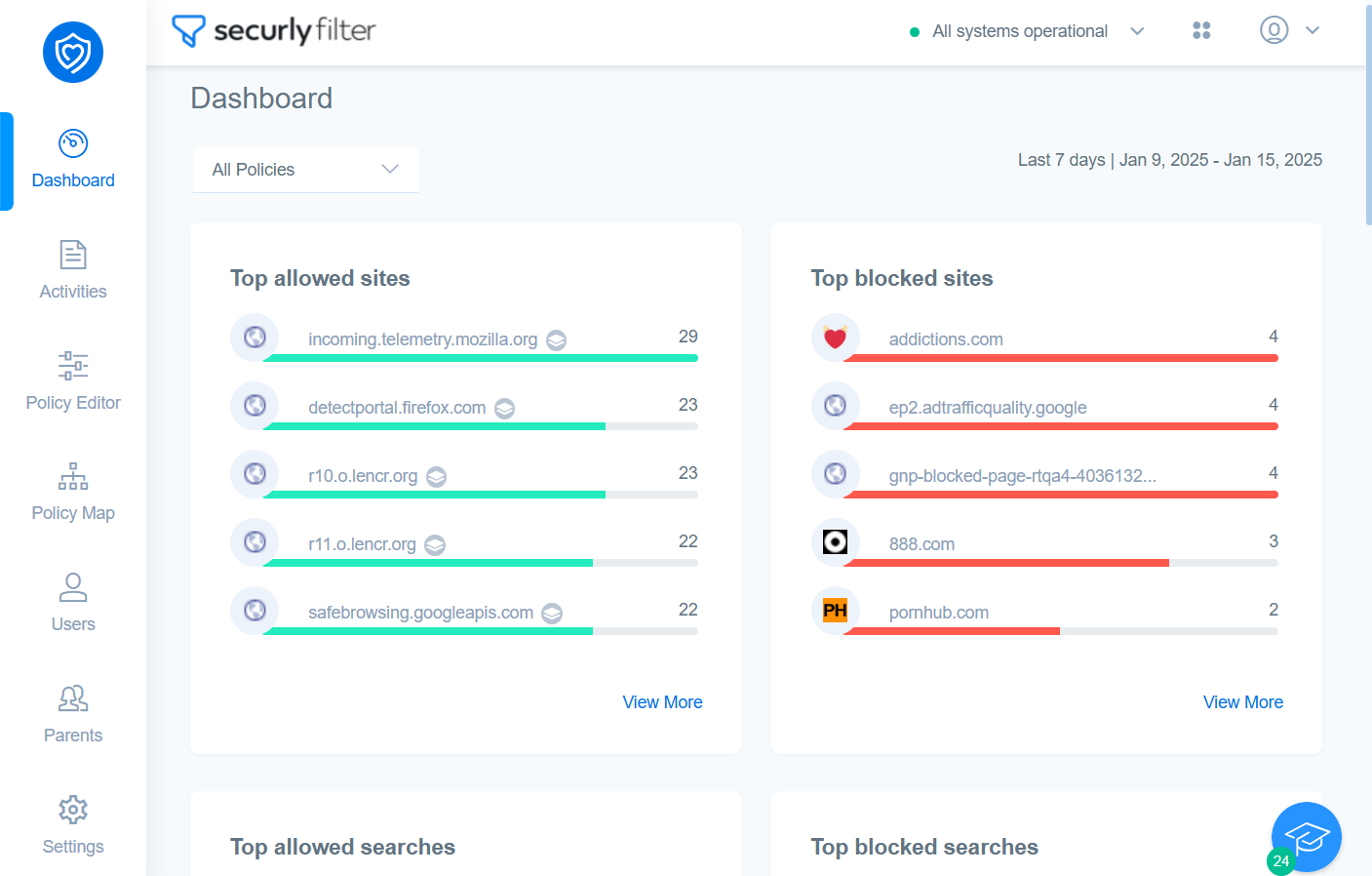
From here, admins can track key stats like top allowed and blocked sites, searches, videos, top educational and non-education sites visited for the last seven days, as well as currently active policies. The number of times each item has been visited is also displayed.
Customizing data
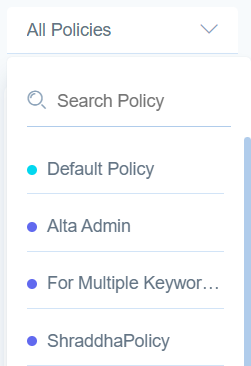
You can display data based on the policies by clicking the dropdown filter on the top right. Once you select a policy, the data displayed will be sourced from all the OUs which have that specific policy active.
Exporting data
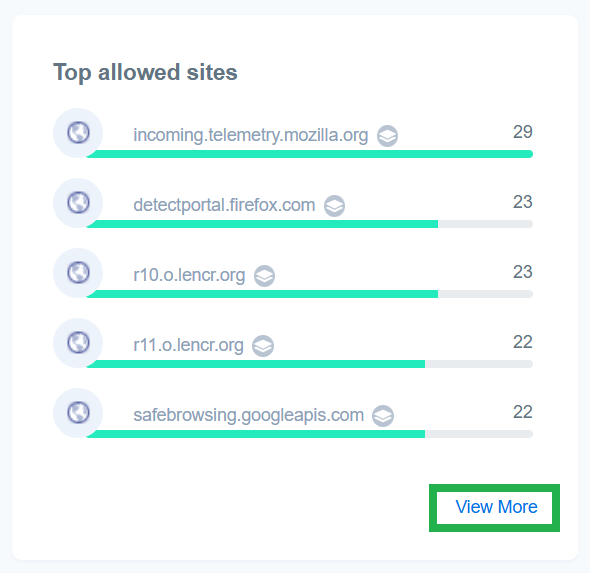
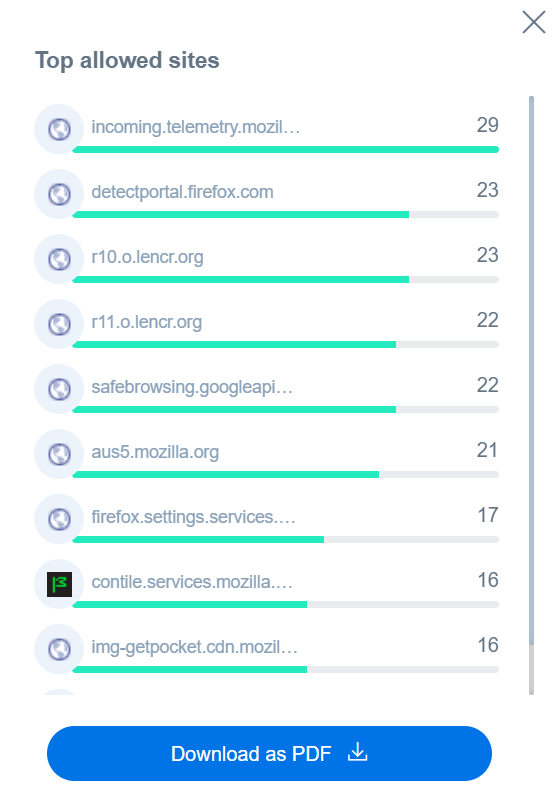
Clicking the view more link at the bottom right of a stat widget will open the option to download the data as a PDF.