Lost mode helps to locate lost or stolen devices. When an iPad is put into lost mode, the device will be locked from us and a custom message with information on where or how to return the device will be displayed on the screen. The device will report its location back to Securly MDM where it will appear on a map to help locate the device even if location services were disabled on the device.
Enabling Lost Mode for an iPad
-
Go to Devices, select your Device Group, and click on your iPad devices from the device list.
-
By default, the Device Details will be active.
-
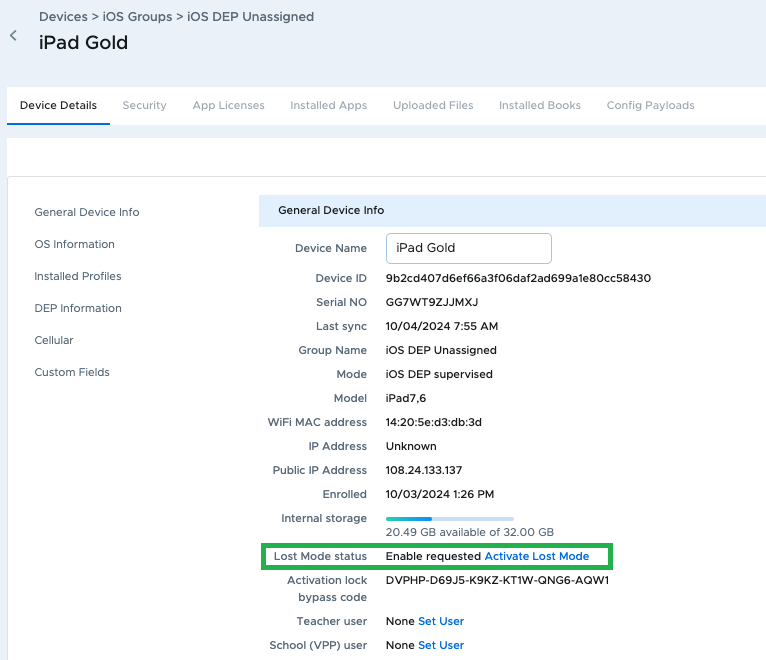
Scroll down and click on the Activate Lost Mode
-
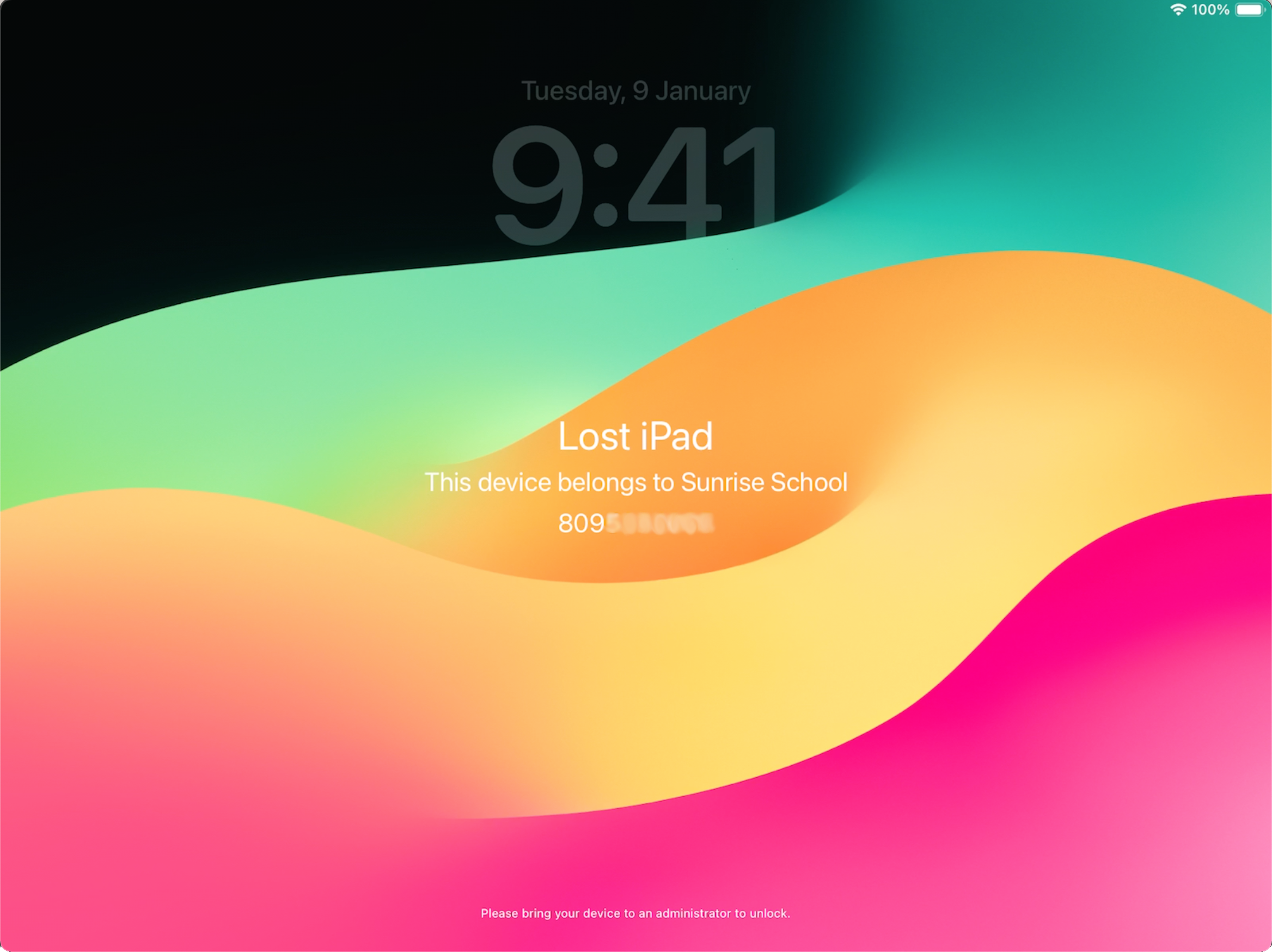
Enter a phone number, message, and footnote to appear on the lock screen (note that the footnote is quite small and may be difficult to read on the device). The "sound alarm" option will cause the lost iPad to play an alert sound until the user presses the power button. The option is available for devices running iOS 10.3 or above.
-
Click the Lost mode button to activate. The status will change to "Enable Requested."

This means that the push notification was sent to the device, but the device has not yet responded by connecting to Securly MDM to receive the command to enter lost mode. Once the command is received, the status will change to "Enabled".
-
The iPad will lock and display your custom information. It also sends its current location to Securly MDM.
Finding Devices in Lost Mode
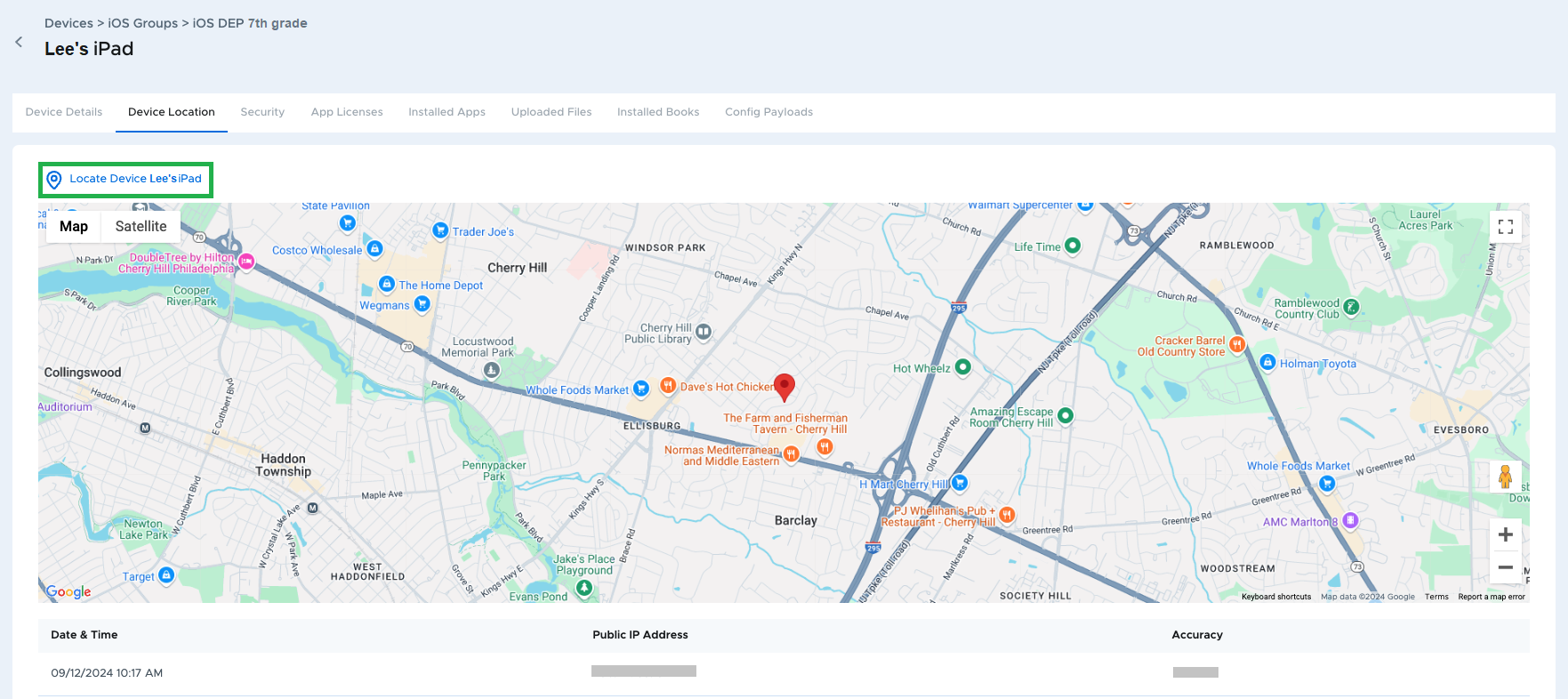
To find the lost iPad using a map, go to the Location tab next to Device Details. If the alert sound is playing, press the power button to silence it.
Disabling Lost Mode for an iPad
-
From Device Details, click the Disable lost mode button.
-
The status will change to "Disable requested."

This means that the push notification was sent to the device, but the device has not yet responded by connecting to Securly MDM to receive the command to release lost mode. This can happen if the device is powered off or not connected to the Internet. Once the command is received, the status will change to "Enabled."
-
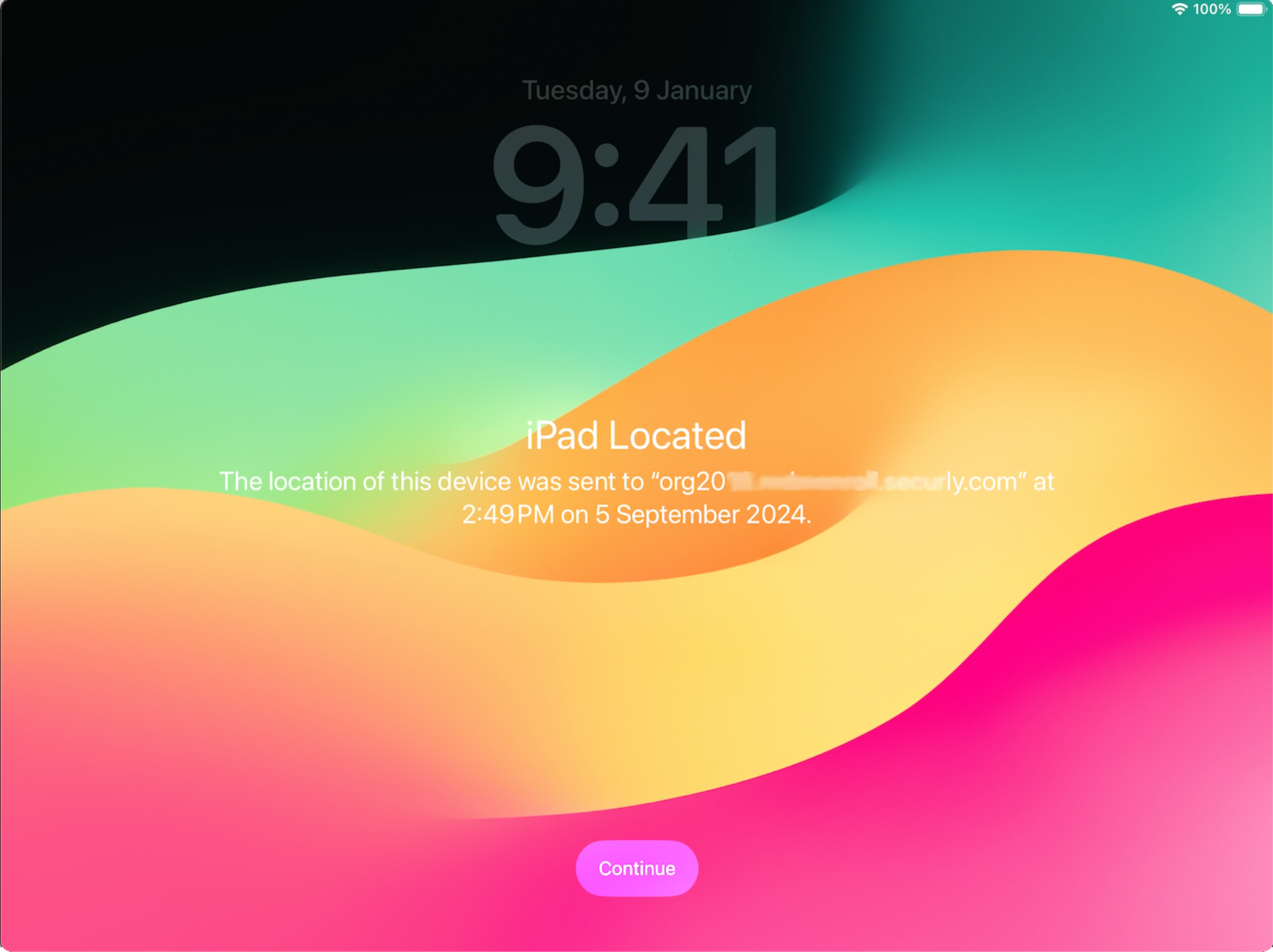
The iPad lock screen will display a message to notify the user that the device had been in lost mode and that the location information was shared.