To schedule a report, use on the Email reports button in the top right corner of the Admin dashboard.
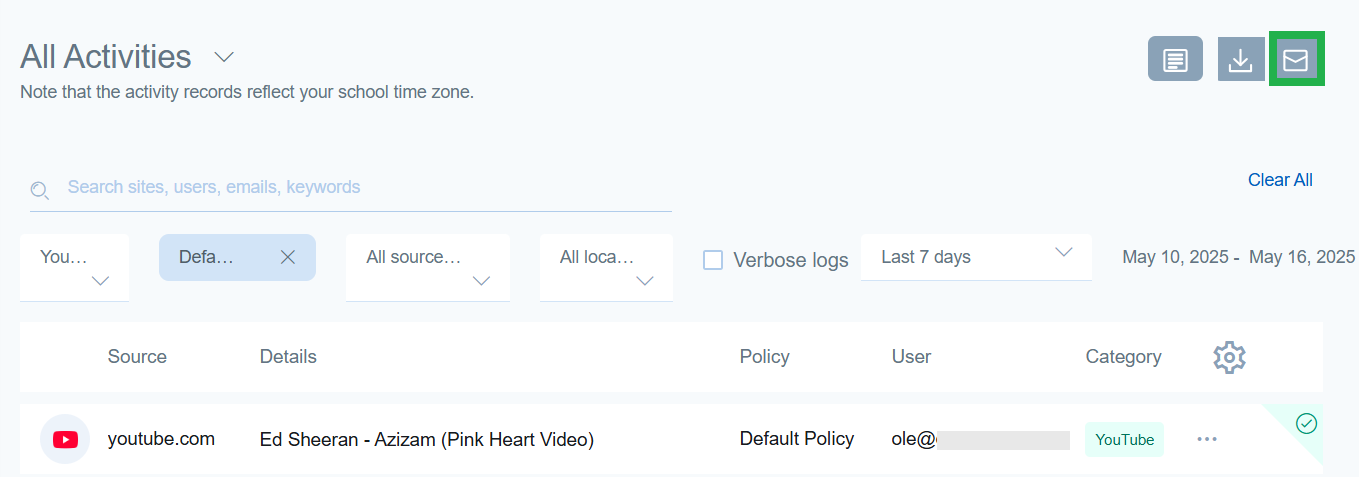
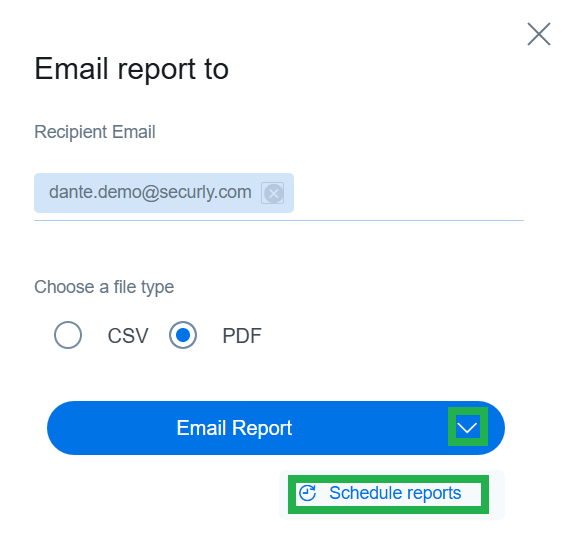
In the following sidebar popup, enter the recipient's email address, and then select 'Schedule reports' by clicking on the downward arrow icon next to the Email Report button.
Select the start and end date for the reports, and also the time when they should be delivered. Reports will be delivered weekly during that period.
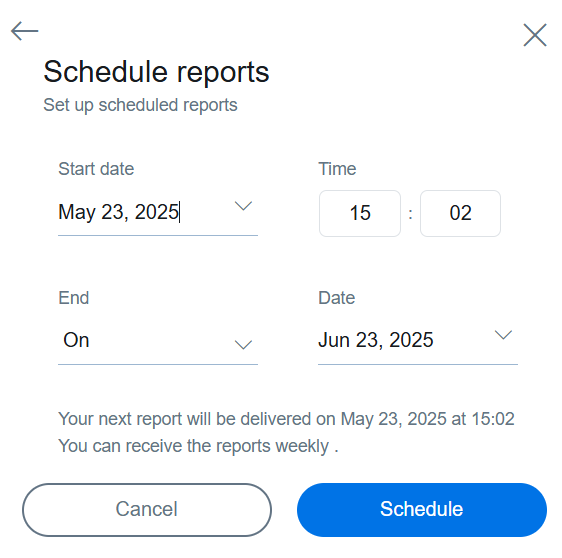
Click Schedule to complete the process. You can review your schedules or delete them at any time by visiting Settings > Scheduled Reports.
Note
Report will be emailed on the specific date you selected, and will display activities up till the previous date irrespective of the delivery time you may have selected for your report.