You can clone any of the custom filtering policies in few easy steps:
- Navigate to the policy you want to clone in Policy Editor.
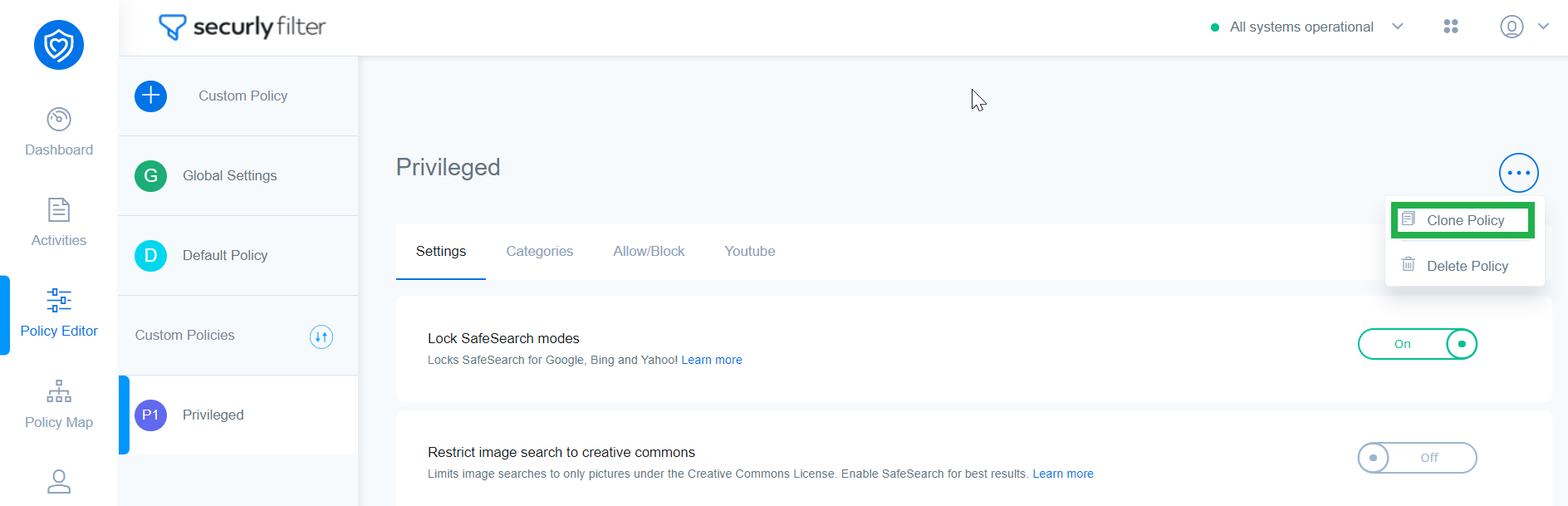
- Click on the three dots in the corner and select Clone Policy.
- Select if the new policy is a ‘Custom Policy’ or an ‘IP Policy,’ provide a unique name for the new policy, and click the Clone button.
- A new policy with the exact same configurations for ‘Settings’, ‘Categories’, and ‘Block’ will be created. All entries on your allow list or block list will also be copied over into the newly cloned policy. You can now assign this policy to OUs and Custom Groups as required.
Note
- A newly cloned policy is treated like any other new custom policy and assigned Priority 1. It does not inherit the same priority level as the original policy. Learn more about changing policy priority.
- You cannot clone the Default Policies or the Guest Network Policy.