To log in to Securly Aware, go to securly.com and select Aware from the Login dropdown.
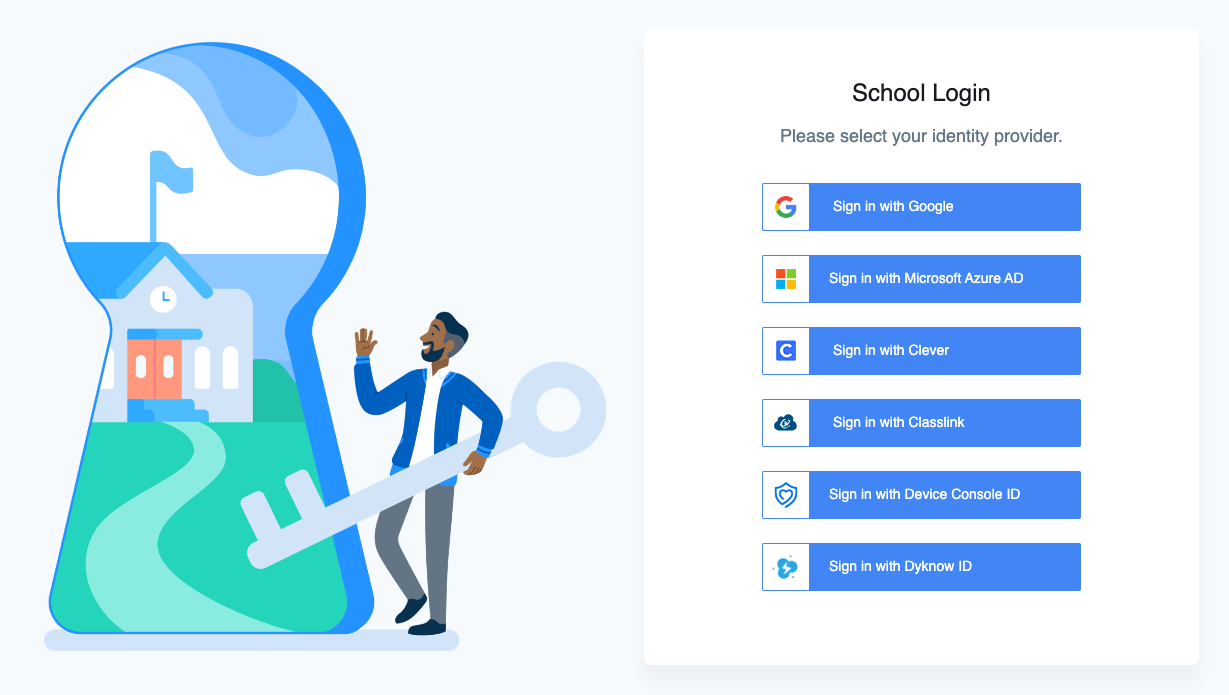
On this page, select your identity provider. You can choose from Google, Microsoft Azure AD, Clever, or Classlink. You can also sign in with a Securly Device Console ID if you don't use a third party SSO provider. For Dyknow customers, you can also use a Dyknow ID to sign on to both Securly and Dyknow products.
If you aren't sure which identity provider to use, contact your school's IT team.