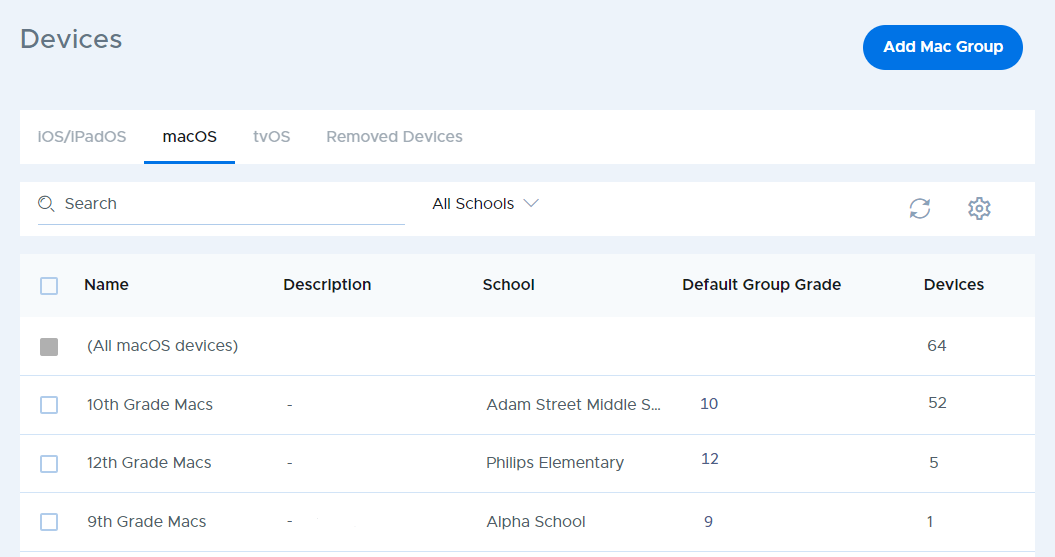
Select Devices from the main menu and click on the macOS tab to access functions for viewing and managing individual devices enrolled in Securly MDM.
Now you can choose the device group that contains the device you wish to view, or use the “(All macOS devices)” entry at the top of the table to list devices from all groups.
You can also use the search box at the top to find a specific school, or use the filter to select a school to see all device groups at that school.