Removing a device from Securly MDM will remove the device from the MDM and send a command to the device to remove the MDM enrollment profile from the device too. The "Remove (Unenroll)" function is found on the three-dot menu at the top right of any device group table after selecting one or more devices. Note that this command does not Erase (remote wipe) or reset the device.
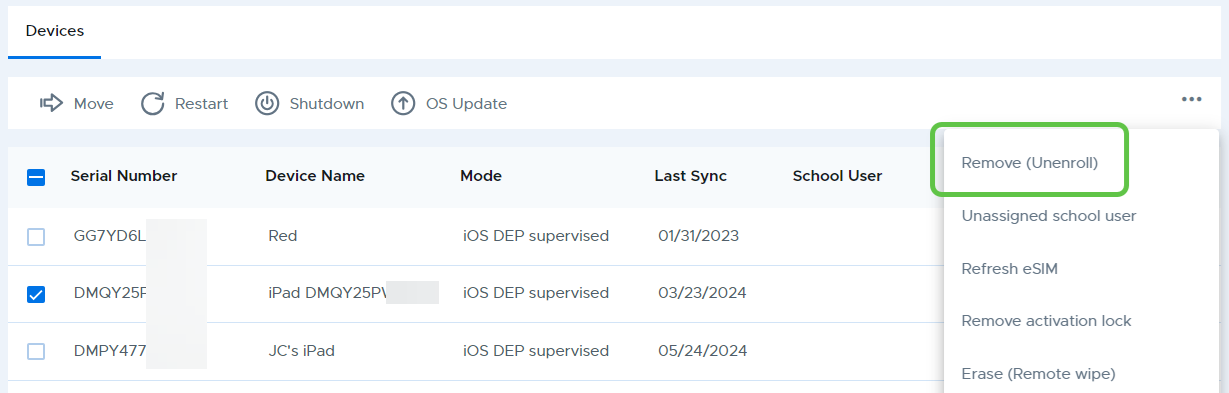
Removing (Unenrolling) an iPad from Securly MDM
- Published on Sep 30, 2024
- 1 minute(s) read
Was this article helpful?