In addition to installed apps, the list on this tab will also include apps that were assigned and installation attempted, but failed. The status for such apps will be “Failed install.” You can select such an app from this list, then use the** Retry failed installs button** from the action bar to attempt the installation again. This can also be done from the Status area of Securly MDM rather than here in device details for a specific device.
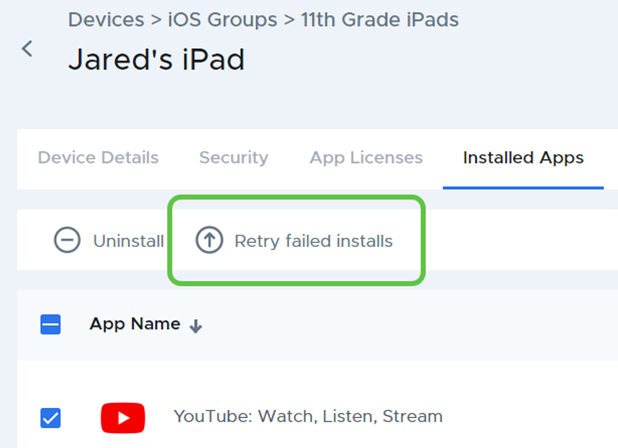
Retrying installation of Failed Apps from the device Installed Apps list
- Published on Sep 30, 2024
- 1 minute(s) read
Was this article helpful?