Apps can be uninstalled from a device from the Installed Apps list by selecting the app(s) then clicking the Uninstall button in the action bar. Only managed apps can be uninstalled.
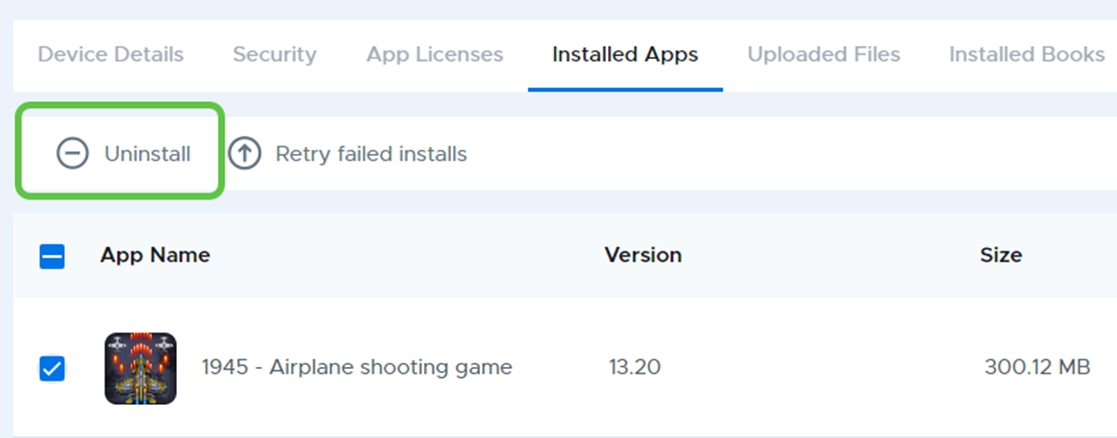
It’s important to note, however, that this function does NOT remove any app assignments that were made which assigned the app to this device by school, device group, class, or device. Therefore, as soon as the app is removed, it will be considered “missing” from the device and the system will attempt to reinstall the app during the next sync. For this reason, uninstalling apps from this area is typically only useful in rare situations where you may be attempting to remove and reinstall an app due to a suspected corrupt app installation.
If your goal is to permanently remove the app from the device, you should instead remove the app assignment from the school, device group, device, or class where the assignment was made. Also note that removing an app will also remote any app data associated with the app.