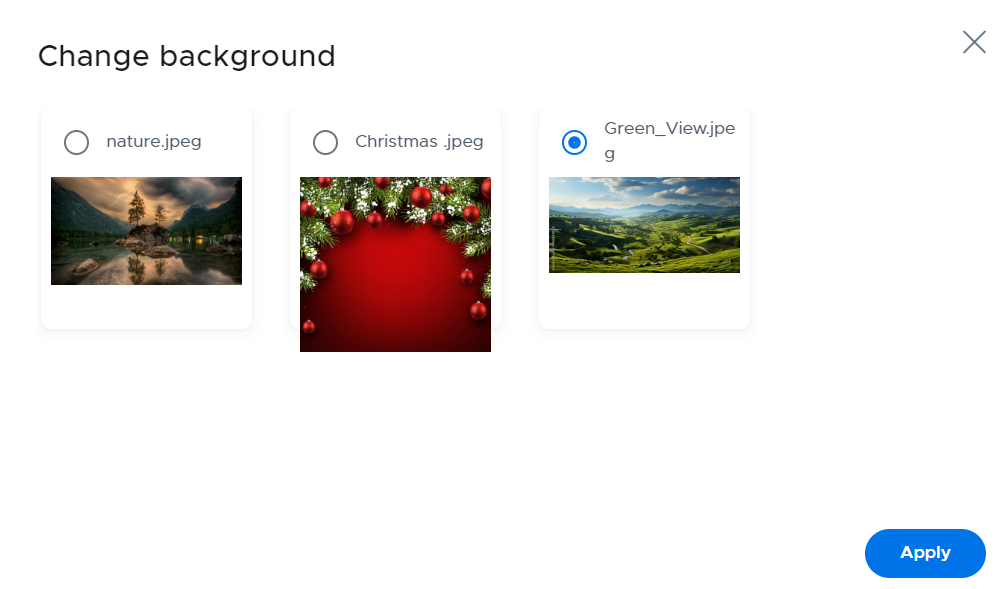
When editing a screen layout, click on Change background to select an image.

Select the background and click on the Apply button.
To upload new images, refer to the Setting / Backgrounds section of this guide.
When editing a screen layout, click on Change background to select an image.
Select the background and click on the Apply button.
To upload new images, refer to the Setting / Backgrounds section of this guide.