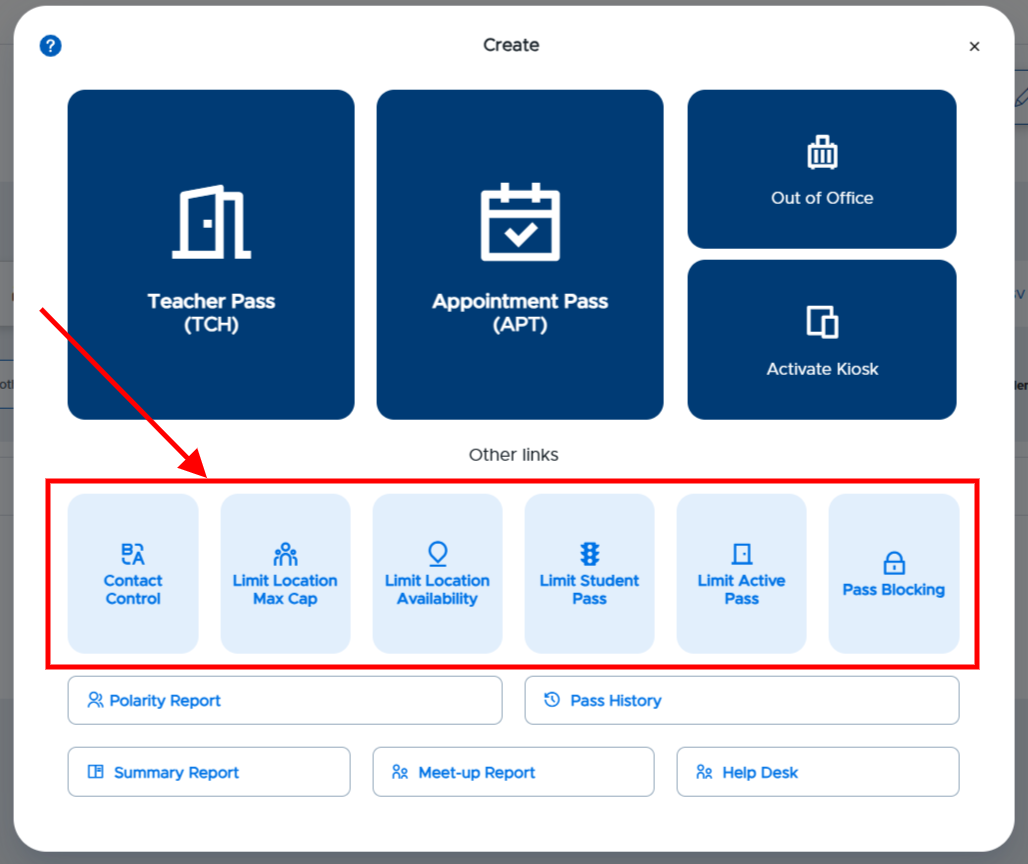
Admins can use the data found in Pass Reports to create pass limits for the building, students, and/or locations. Using the Pass Blocking functionality allows admins to block passes for all users for a specified period of time, including daily and weekly blocks.
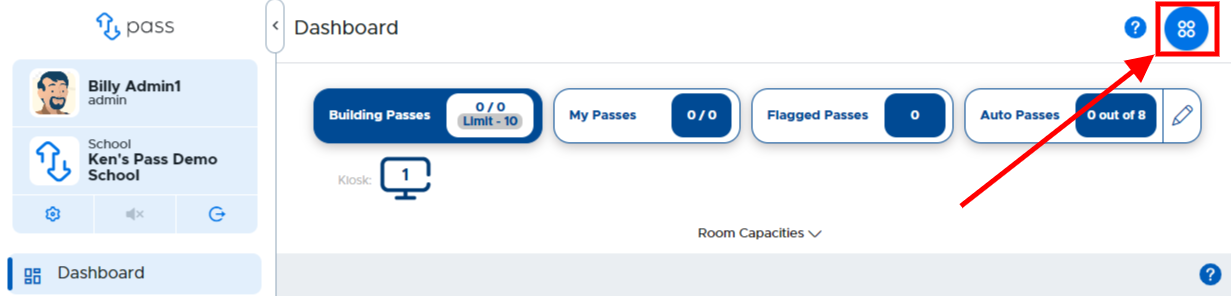
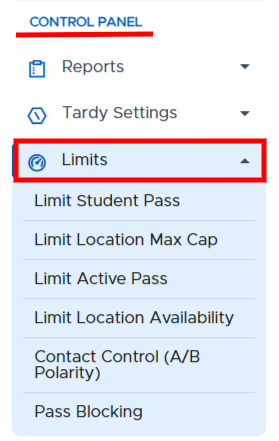
The Limit options can be accessed from the left menu under the Control Panel or from the Create button found in the upper right corner of the screen.
Left Menu
Create Button