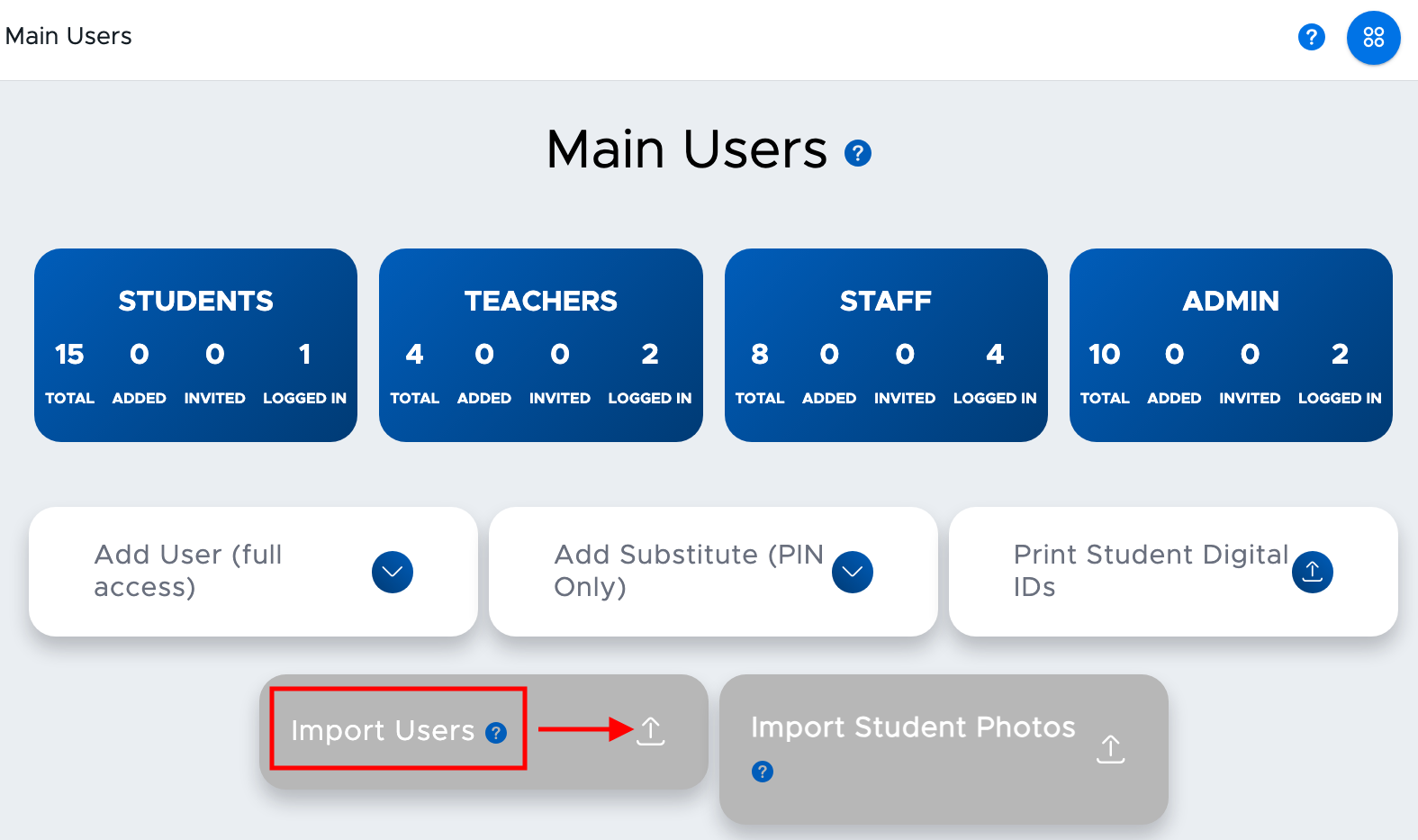
If your school does not use ClassLink or Clever but utilizes Google or Microsoft, your users will be able to log into Pass (or authenticate) using Google/Microsoft credentials. In order to add your users to the Pass system, you will need to create a User CSV File. The details for the file format are listed in the section below. Uploading the file can be done from the Main Users screen through the “Import Users” button (also shown below) or by sending the file via SFTP (Secure File Transfer Protocol).
If sending the User CSV file(s) via SFTP, credentials will be provided to you by your Client Project Manager. Many clients coordinate with their IT Departments to automate the process to pull the user file from their SIS (Student Information System) and automatically send this to the Pass server each night or on a regular basis. Please discuss the details with your implementing Client Project Manager; or if you’ve already implemented Pass and wish to add this feature, contact the Pass Help Desk for assistance.